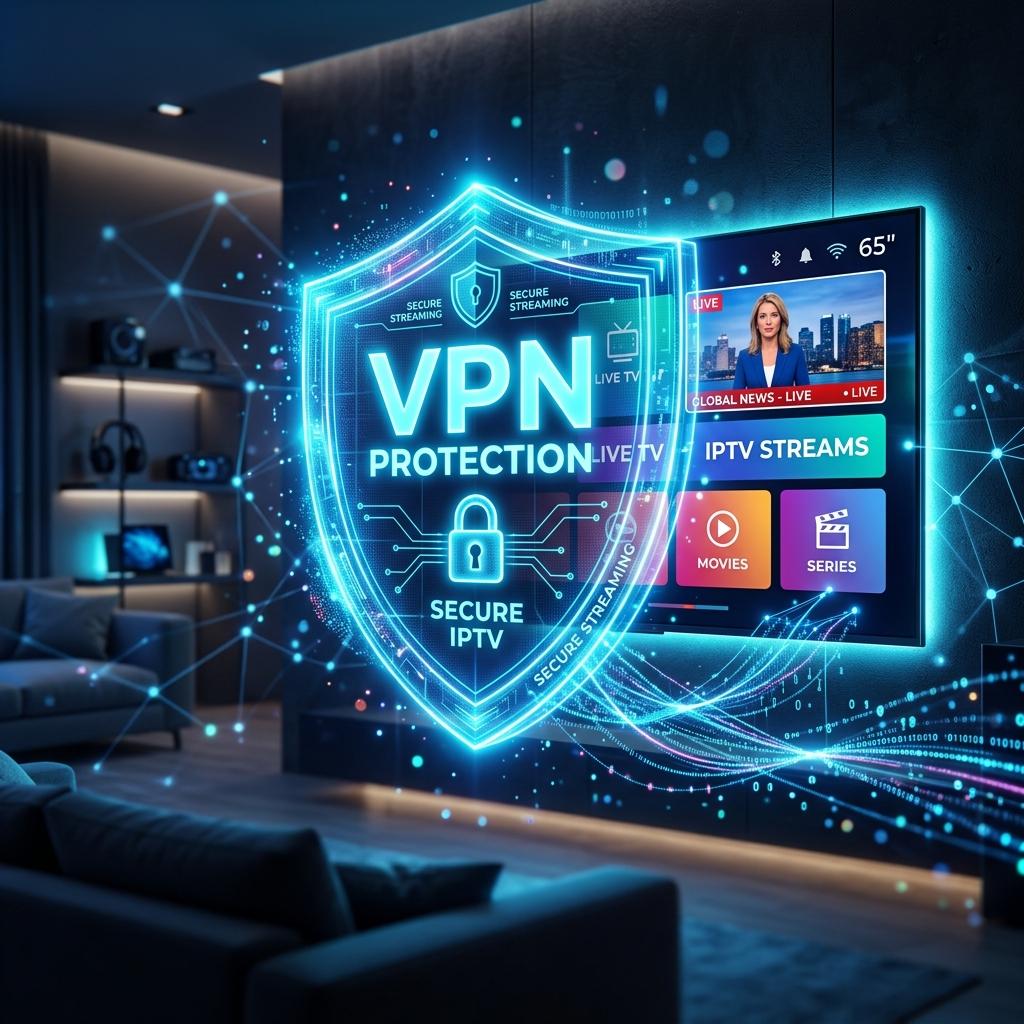
Wondering if you need a VPN for IPTV streaming? Learn how a VPN stops ISP throttling, protects your privacy, and ensures buffer-free live sports playback.
EagleCast TV: Do You Need a VPN for IPTV?
No, you do not technically need a VPN to use EagleCast TV because our service connects through high-speed, secure streaming routes. However, using a reliable VPN is strongly recommended if your Internet Service Provider (ISP) intentionally throttles video bandwidth during peak hours or if you want complete online privacy. A VPN encrypts your traffic, prevents artificial buffering during live sports, and shields your streaming activity.
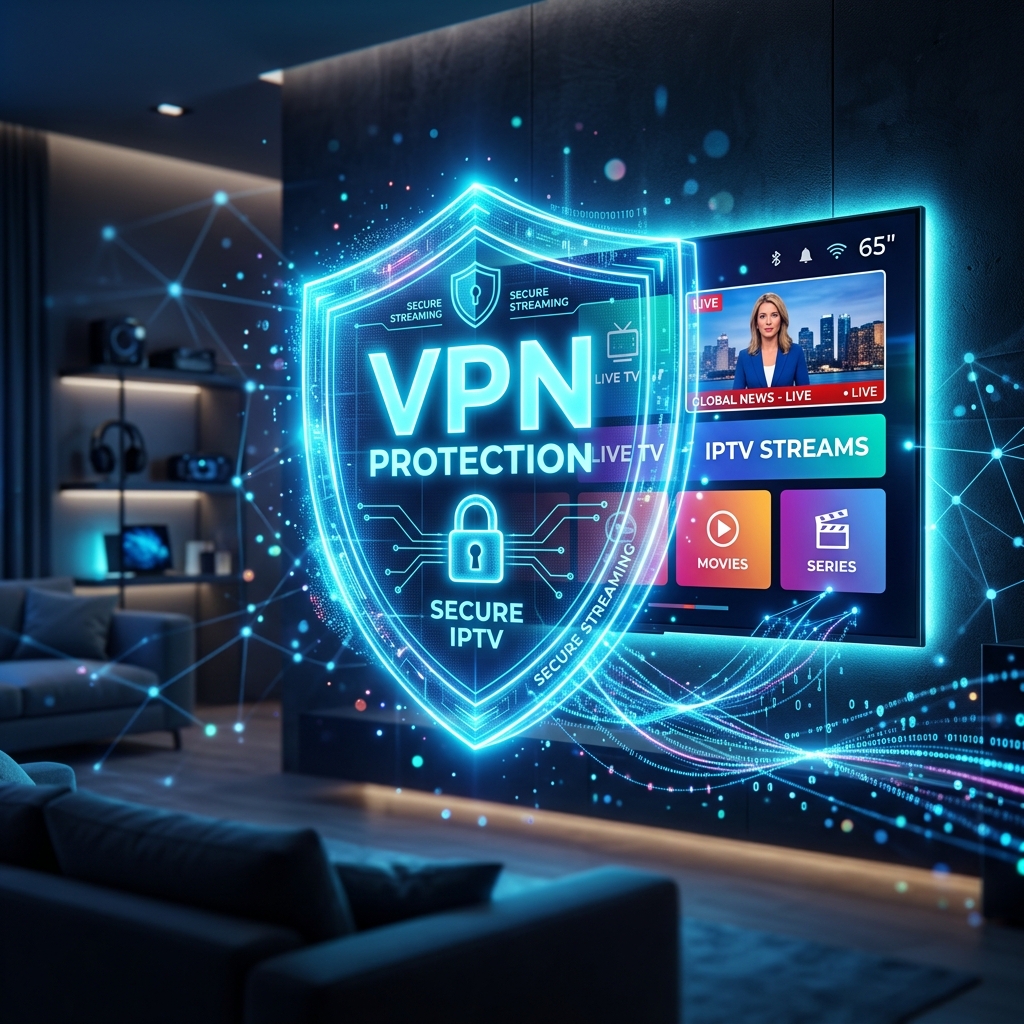
What Does a VPN Do for IPTV Streaming?
A Virtual Private Network (VPN) creates an encrypted tunnel between your streaming device and a secure remote server. When you route your connection through this tunnel, all data moving between your TV and the internet is completely scrambled, preventing outside parties from inspecting your activity.
Bypassing ISP Bandwidth Throttling During Live Events
Many major Internet Service Providers practice deep packet inspection (DPI) to monitor customer network traffic. When ISPs detect high-bandwidth continuous video streams during major sporting events or weekend evenings, they frequently throttle specific connection ports to preserve neighborhood bandwidth. By masking the nature of your traffic, a VPN ensures your provider cannot distinguish live video data from standard web browsing, maintaining uninhibited transfer rates. If you experience random slowdowns, check our guide on troubleshooting IPTV buffering for additional diagnostics.
Encrypting Your Connection and Protecting Privacy
Without encryption, your network provider logs every domain name, server endpoint, and port your devices access. Running a secure VPN assigns your device a temporary IP address and replaces your ISP-assigned DNS servers with encrypted DNS lookups. This prevents logging, prevents local network snooping, and keeps your household entertainment choices private.
When You Actually Need a VPN (And When You Don't)
While many privacy advocates suggest keeping a VPN active around the clock, evaluating your specific network conditions helps determine whether a VPN is necessary for your daily viewing.
Scenarios Where a VPN is Strongly Recommended
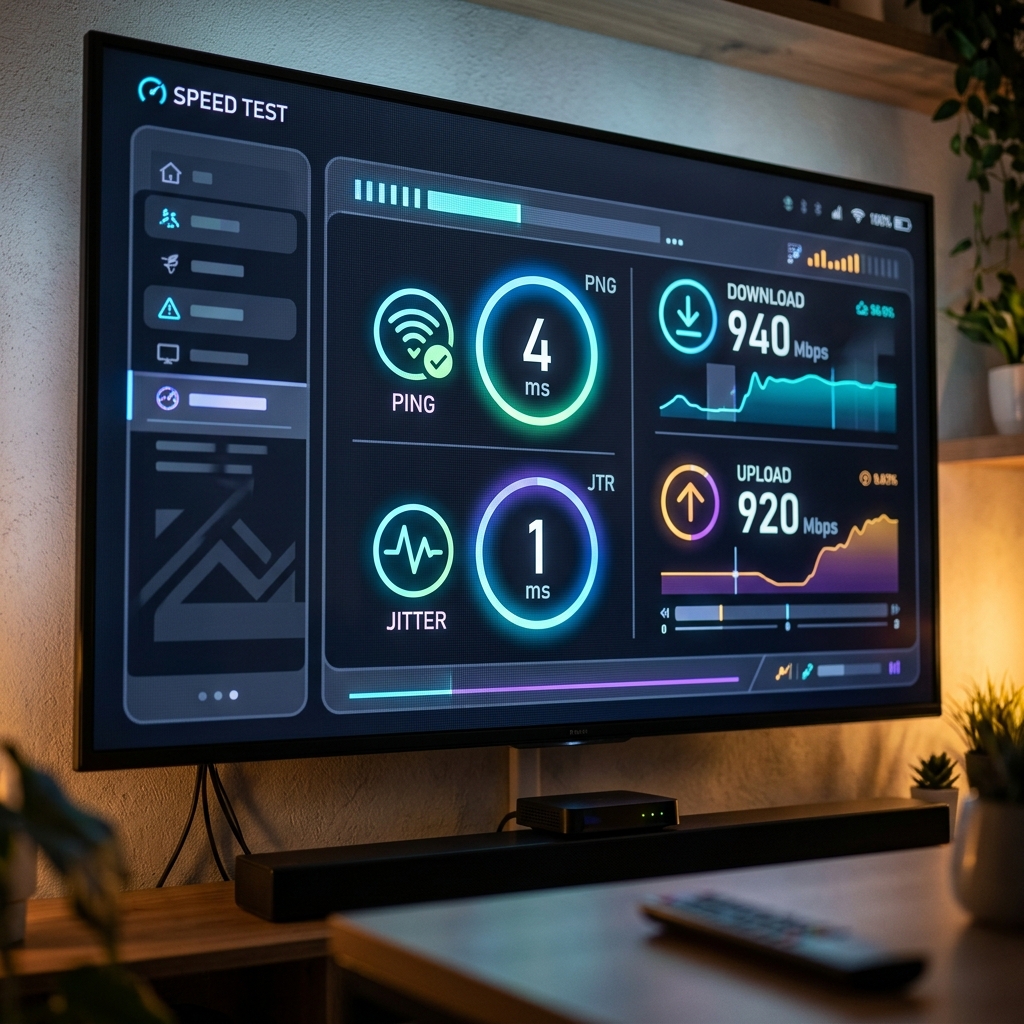
- Your ISP actively throttles streaming: If your speed tests report 200 Mbps on standard web pages but your live TV stutters during big football games, your provider is likely throttling media packets.
- You travel internationally: When streaming outside your home region, a VPN lets you connect to home-country server nodes to access your preferred broadcasts seamlessly.
- You stream on public or shared networks: If you are connecting an iPad, laptop, or Firestick to hotel Wi-Fi or campus housing internet, a VPN is essential to protect your login credentials from interceptors.
Situations Where a VPN is Unnecessary
If you have an unthrottled fiber-optic internet plan with a privacy-respecting provider and your live feeds already stream smoothly at 60 frames per second, running a VPN is optional. Premium services like EagleCast TV operate robust private server infrastructure that operates securely on standard high-speed home internet without requiring external mediation.
IPTV With vs. Without a VPN: Key Differences
Understanding the practical trade-offs between encrypted streaming and direct streaming helps you make the right choice for your home theater setup.
| Comparison Factor | Streaming With a VPN | Streaming Without a VPN |
|---|---|---|
| ISP Throttling Protection | Full protection (ISP cannot inspect video packets) | Vulnerable to selective throttling during peak hours |
| Online Privacy | Encrypted IP and shielded browsing habits | ISP logs server addresses and access timestamps |
| Connection Speed | Slight overhead (5-10% reduction on fast protocols) | Raw maximum ISP line speed |
| Device Setup | Requires VPN app on device or router config | Instant zero-configuration setup |
| Live Sports Stability | Consistent speeds during major broadcast peaks | Dependent on ISP peak traffic management policies |
How to Choose the Best VPN Protocol for Live TV
Not every VPN connection delivers the responsiveness required for uninterrupted 4K video. The security protocol you choose inside your VPN application determines both transfer speed and latency.
WireGuard vs. OpenVPN for Buffer-Free Playback
For live television, always select the WireGuard protocol whenever your VPN application supports it. WireGuard features a streamlined codebase of approximately 4,000 lines compared to over 70,000 lines in legacy OpenVPN. This lightweight design results in faster cryptographic processing on low-power devices like streaming sticks, lower CPU temperature, and immediate channel switching without lag.
Device Installation Tips
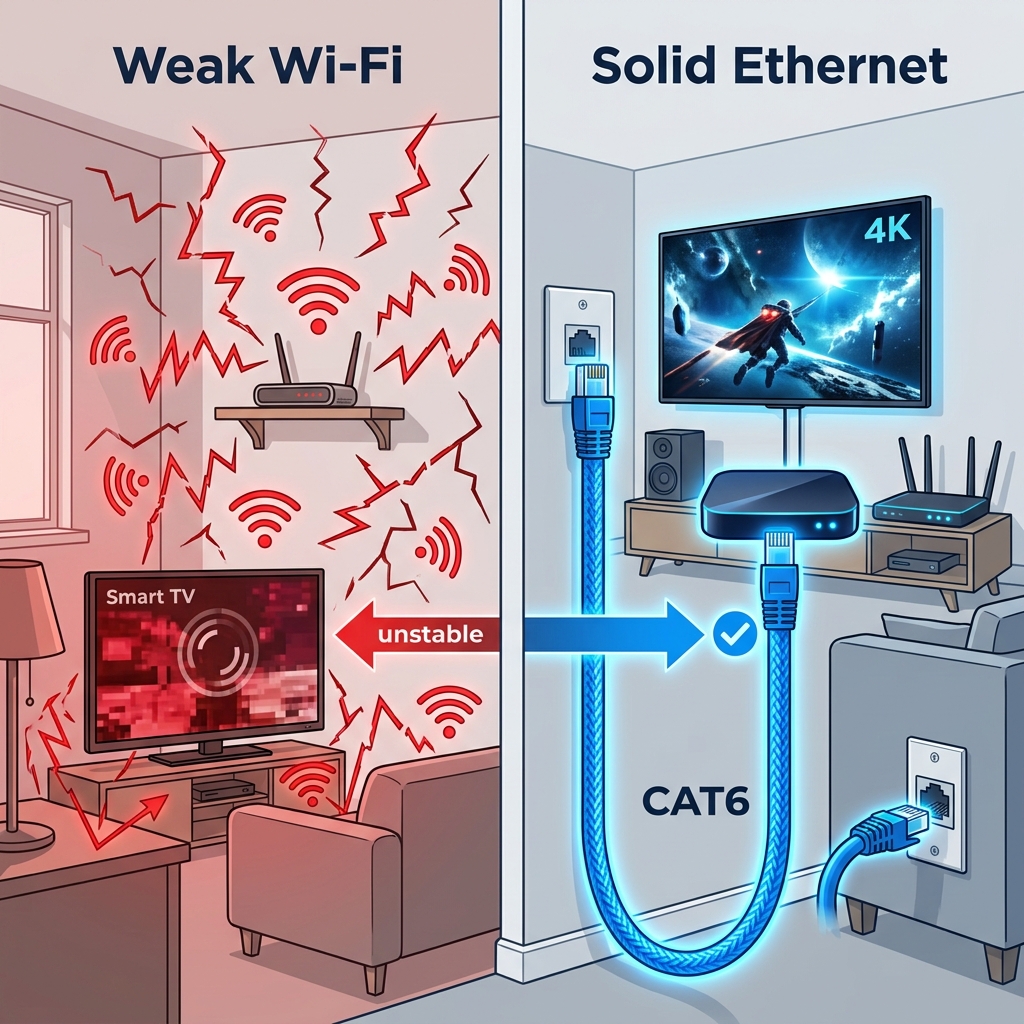
Setting up your VPN client depends on your primary viewing hardware. If you stream using an Amazon Firestick, read our walkthrough on installing IPTV on Firestick to configure your streaming apps alongside top VPN clients. If you watch directly on Samsung or LG displays, see our guide on setting up IPTV on Smart TV to learn how to route your TV traffic through a protected router connection.
Frequently Asked Questions
Does IPTV work without a VPN?
Yes, IPTV works without a VPN as long as your internet service provider does not block or throttle IPTV streaming traffic. However, using a VPN provides added privacy and prevents selective bandwidth throttling during peak streaming hours.
Will a VPN slow down my IPTV connection?
A high-speed VPN using the WireGuard protocol typically reduces your baseline speed by only 5% to 10%, which is well within the requirements for 4K streaming. In cases where your ISP was actively throttling your video traffic, a VPN can actually increase your effective streaming speed.
Which VPN protocol is best for live TV streaming?
WireGuard is the best protocol for live TV streaming because it offers significantly faster throughput, lower CPU overhead on streaming sticks, and near-instant connection recovery compared to legacy protocols like OpenVPN.
Can I install a VPN directly on my Firestick or Smart TV?
You can install VPN apps directly on Firestick and Android TV devices via their native app stores. For Samsung (Tizen) and LG (webOS) televisions that lack native VPN support, you can protect your connection by configuring the VPN directly on your home router.
Whether you choose to stream directly or protect your network with a VPN, you deserve a rock-solid, ultra-high-definition television experience. Experience crystal-clear sports and international channels with an EagleCast TV free trial, or visit our EagleCast TV pricing page to find the perfect subscription plan for your home today.