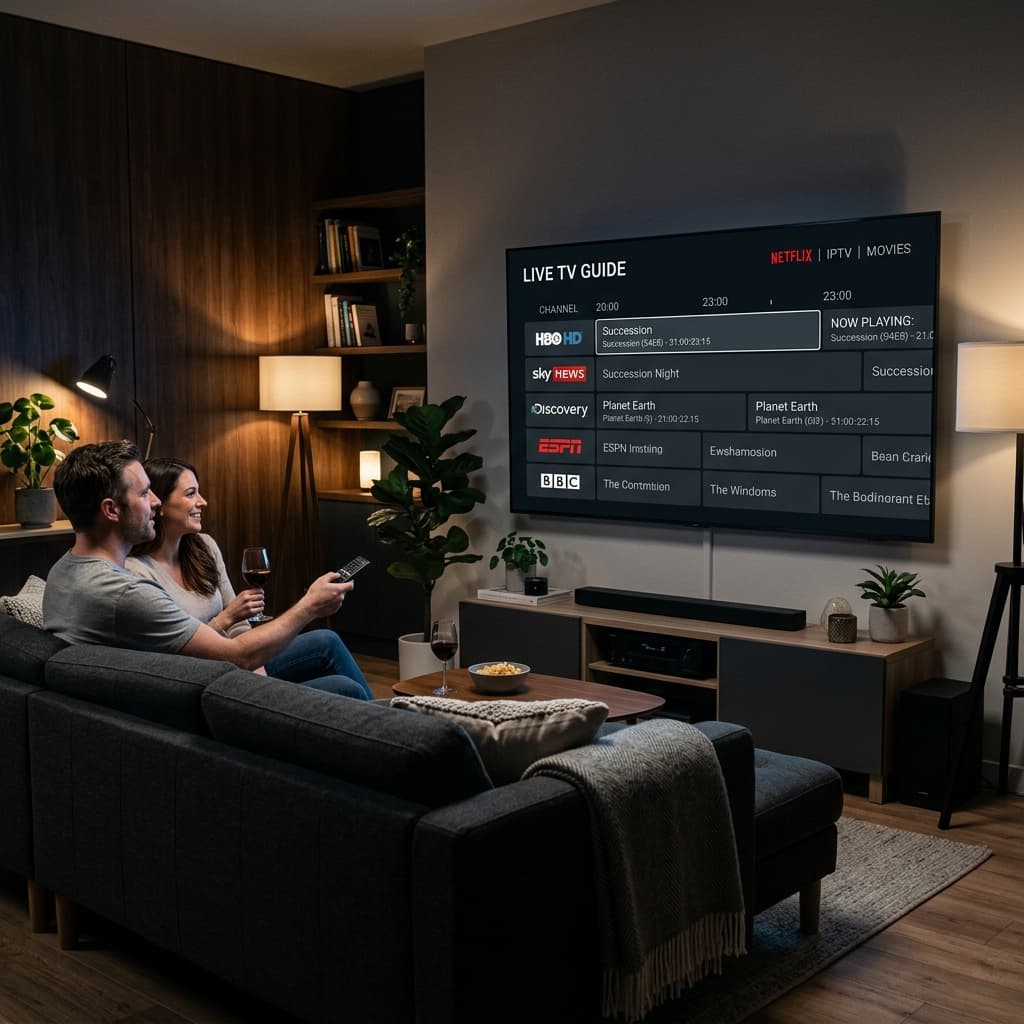
Discover the top IPTV apps for Amazon Firestick and Android TV in 2026. Compare features, eliminate buffering, and find the perfect player for your premium streaming setup.
Best IPTV Apps for Firestick and Android TV in 2026
When you upgrade to a premium streaming service, the software you use to watch your channels is just as important as the service itself. Finding the best IPTV apps 2026 has to offer can completely transform a clunky, frustrating interface into a sleek, cinematic home theater experience. In this guide, we break down the top IPTV players for Amazon Firestick and Android TV, helping you eliminate buffering and maximize your viewing pleasure.
Why You Need a Dedicated IPTV Player
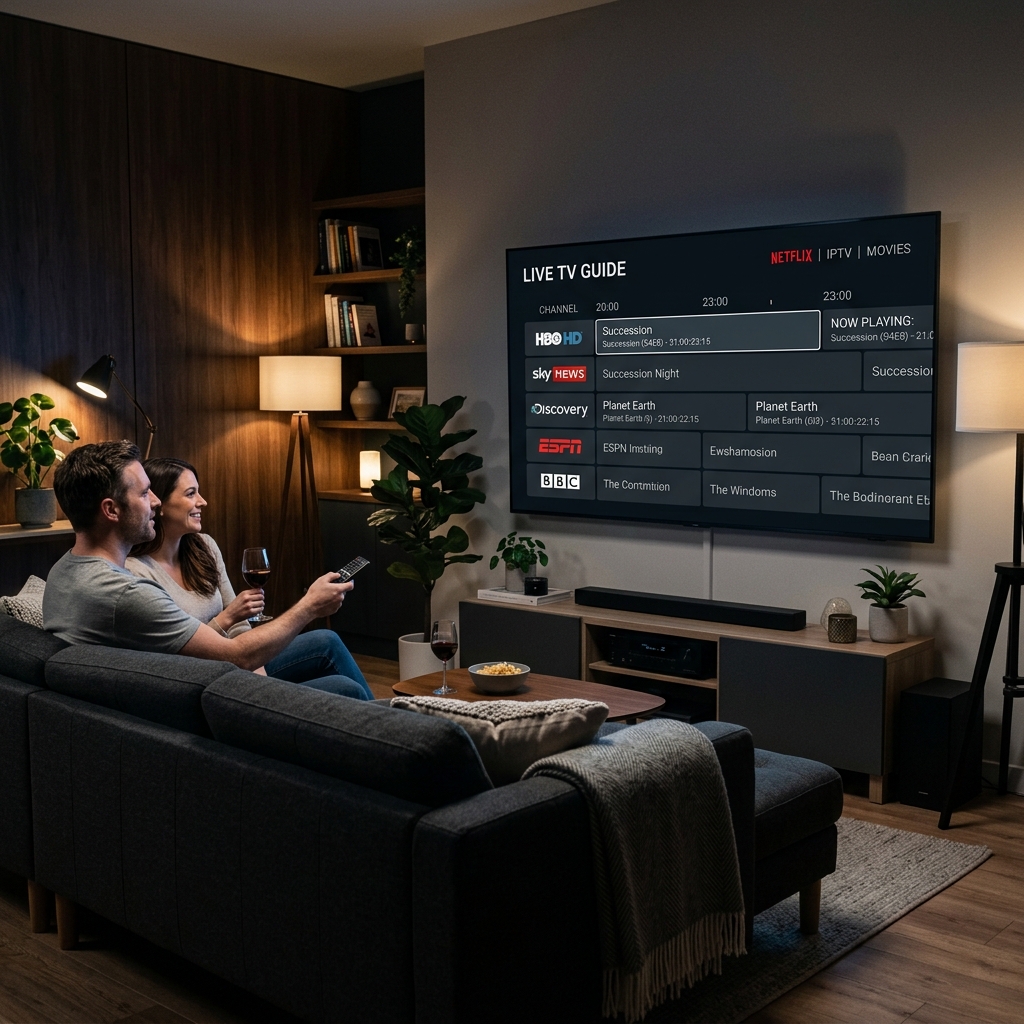
A common misconception among new cord-cutters is that the IPTV service and the app are the same thing. In reality, a premium service like EagleCast TV provides the broadcast signal, while a dedicated IPTV player acts as the interface—organizing your channels, loading the TV guide, and decoding the video stream for your device. Relying on outdated or poorly coded apps is the fastest way to ruin a high-quality broadcast.
The Difference Between IPTV Providers and IPTV Apps
Think of your IPTV provider as the cable company that delivers the signal, and the IPTV app as the physical cable box in your living room. The app does not host any content itself; it simply connects to the provider's servers via an M3U link or Xtream Codes API. Using a top-tier app ensures that features like catch-up TV, multi-screen viewing, and fast channel surfing work flawlessly. If you are struggling with your current setup, learning the proven tips to fix IPTV buffering often starts with upgrading your application.
How Premium Apps Eliminate Buffering
Not all media players are created equal. The best IPTV player applications feature advanced hardware decoding, which utilizes your device's GPU rather than relying solely on the CPU. This results in significantly smoother playback, especially when streaming 4K live sports or high-bitrate VOD files. Premium apps also allow you to adjust the buffer size, giving the video player a few seconds to pre-load the stream and prevent stutters caused by minor internet fluctuations.
Top 3 IPTV Players for Amazon Firestick and Smart TVs
With hundreds of apps available on the market, narrowing down the right choice can be overwhelming. Based on performance, user interface, and overall stability, here are the top three IPTV apps dominating the Android TV and Firestick ecosystem in 2026.
1. TiviMate: The Premium Choice for Android
Widely considered the gold standard of modern streaming interfaces, TiviMate premium offers an experience that closely mirrors traditional cable—but with lightning-fast performance. Designed specifically for TV screens (not touchscreens), TiviMate excels at managing massive playlists with thousands of channels. Features like multi-view, picture-in-picture, and a highly customizable EPG make it the favorite for power users.
2. IPTV Smarters Pro: The Best Multi-Platform Player
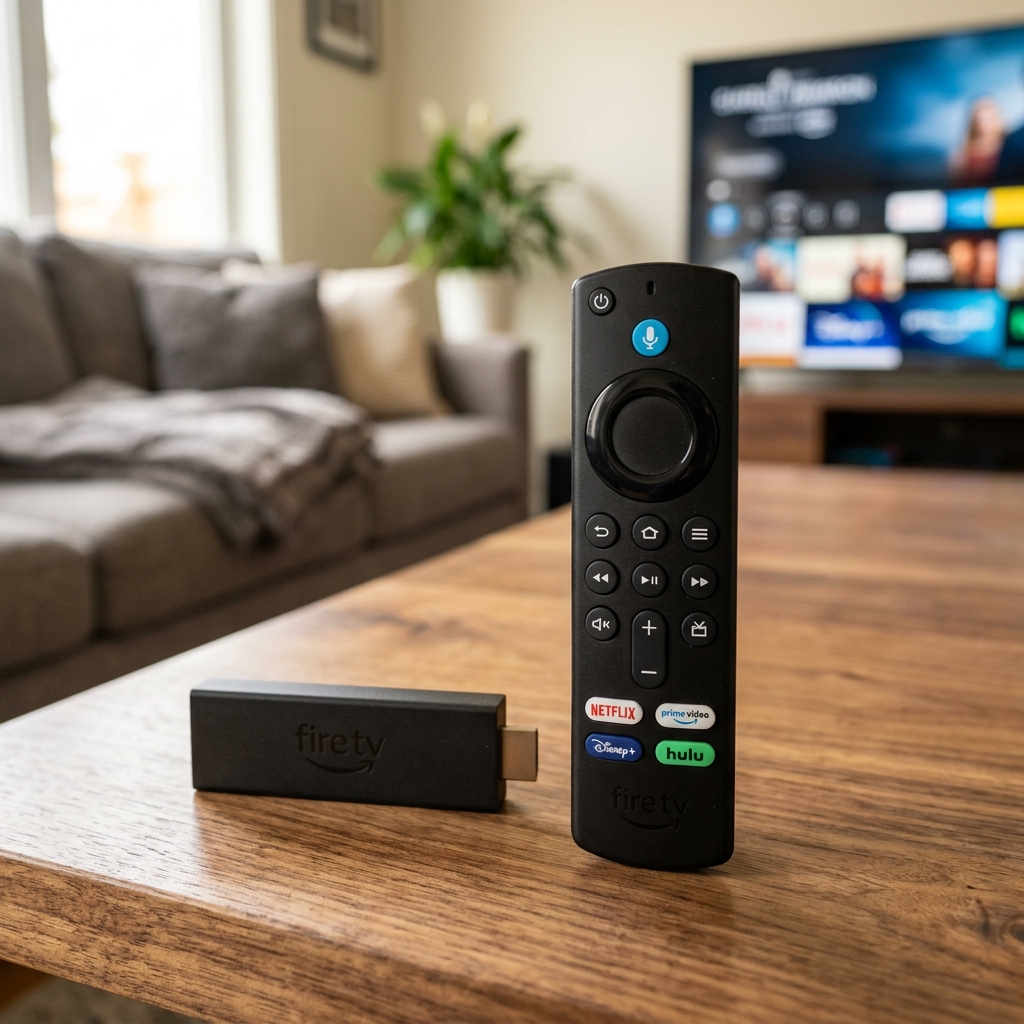
For users who want a simple, cross-platform solution, IPTV Smarters Pro remains incredibly popular. Its intuitive layout divides your content cleanly into Live TV, Movies, and Series categories. Because it utilizes the Xtream Codes API login method (Username, Password, and URL), setup takes seconds. It is a fantastic starting point for those transitioning from legacy cable, and it remains one of the most reliable Firestick IPTV apps available today.
3. XCIPTV: The User-Friendly Interface
XCIPTV is built for ease of use. It features a built-in ExoPlayer and VLC Player, meaning you rarely have to adjust codec settings manually. The layout is visually striking, automatically pulling in VOD posters and metadata (IMDb ratings, cast lists) to create a Netflix-like browsing experience. If you are setting up a system for less tech-savvy family members, XCIPTV offers an incredibly shallow learning curve without sacrificing performance.
How to Choose the Right App for EagleCast TV
When selecting the best application for your premium IPTV subscription, the right choice depends heavily on your viewing habits. A dedicated sports fan has very different needs than a user who primarily watches on-demand cinema.
EPG (Electronic Program Guide) Support
A robust EPG is essential for navigating a 30,000+ channel lineup. Applications like TiviMate shine here, allowing you to seamlessly integrate multiple EPG sources, customize the update frequency, and assign logos to individual channels. If an app struggles to load the TV guide quickly, it will significantly hinder your channel surfing experience.
Multi-Screen and Catch-Up Features
For sports enthusiasts, multi-screen functionality is a game-changer. The ability to watch four live matches simultaneously on a single screen is a feature native to top-tier apps. Additionally, "Catch-Up" support allows you to rewind live TV or watch a broadcast you missed earlier in the day, providing ultimate flexibility for international events broadcast in different time zones.
Setting Up Your New IPTV App Safely
The process of sideloading these applications onto your device is straightforward, but it requires a bit of preparation. If you are using an Amazon device, be sure to read our complete, step-by-step tutorial on how to install IPTV on Firestick to ensure you download the correct, secure APK files.
Why a VPN is Essential for Third-Party Apps
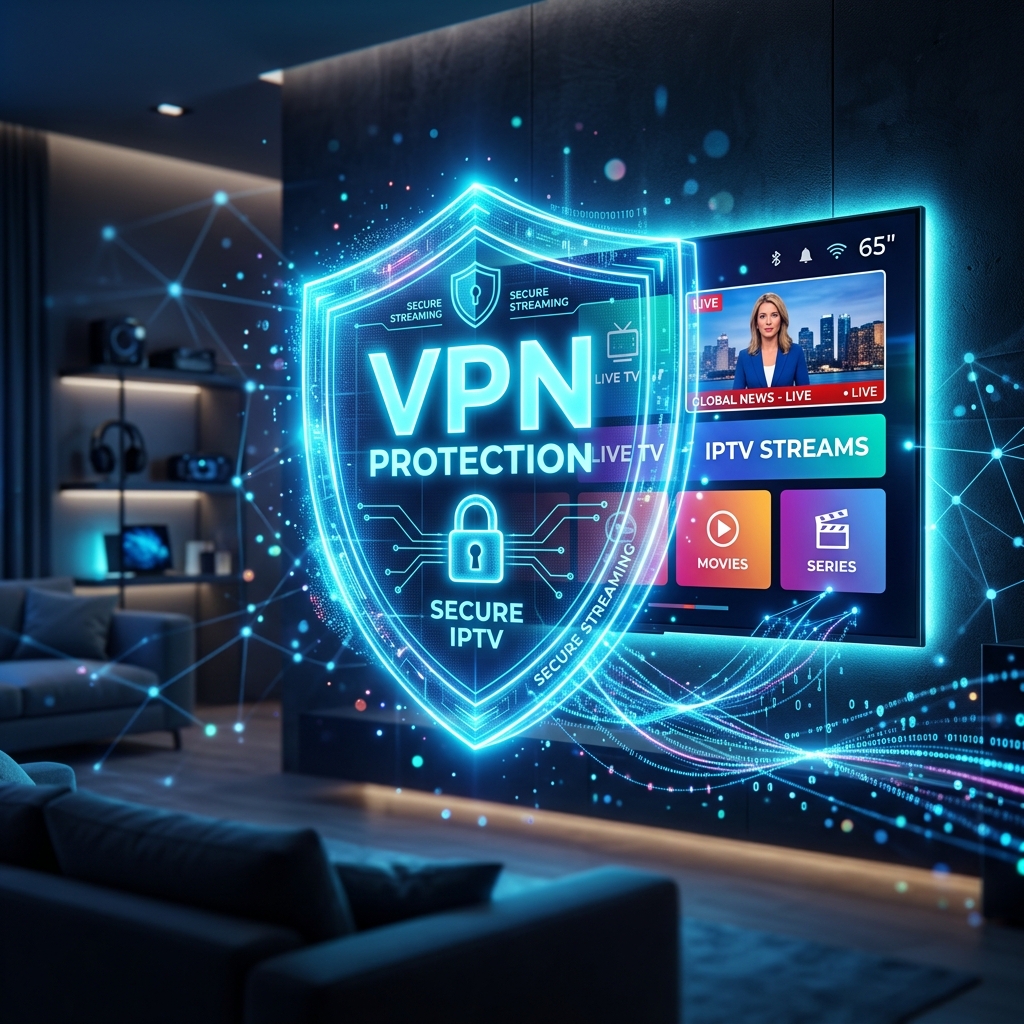
When diving into the world of digital streaming, protecting your privacy is paramount. Many Internet Service Providers (ISPs) intentionally throttle high-bandwidth Android TV streaming traffic, leading to artificial buffering during peak hours. Utilizing a secure Virtual Private Network (VPN) encrypts your data, masking your activity from your ISP and guaranteeing you receive the unthrottled speeds necessary for 4K streaming.
Ready to pair the world's best IPTV apps with a flawless streaming source? Head over to the EagleCast TV pricing page to start your subscription and unlock a limitless entertainment ecosystem today.