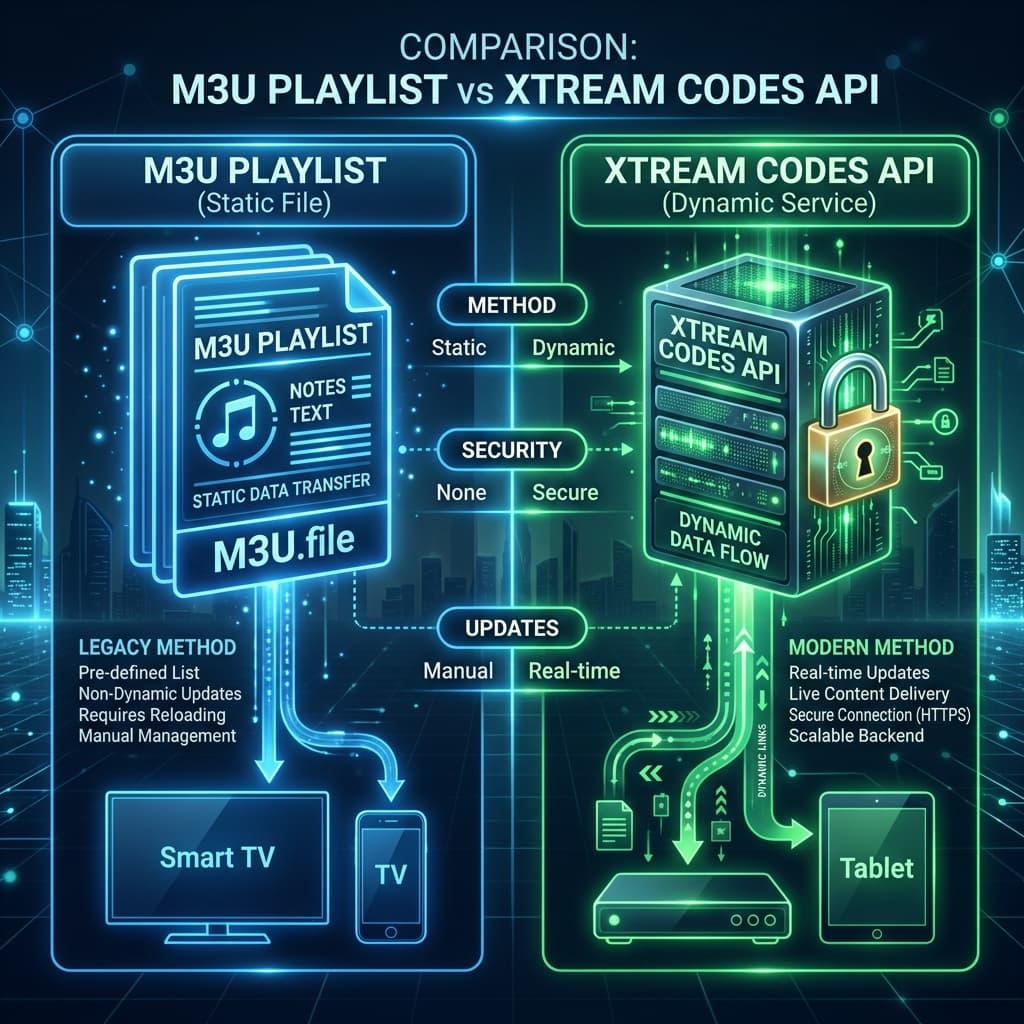
Confused by IPTV login methods? Learn the critical differences between an M3U playlist and the Xtream Codes API, and discover which method provides the best streaming experience.
Xtream Codes API vs M3U Playlist: What's the Difference?
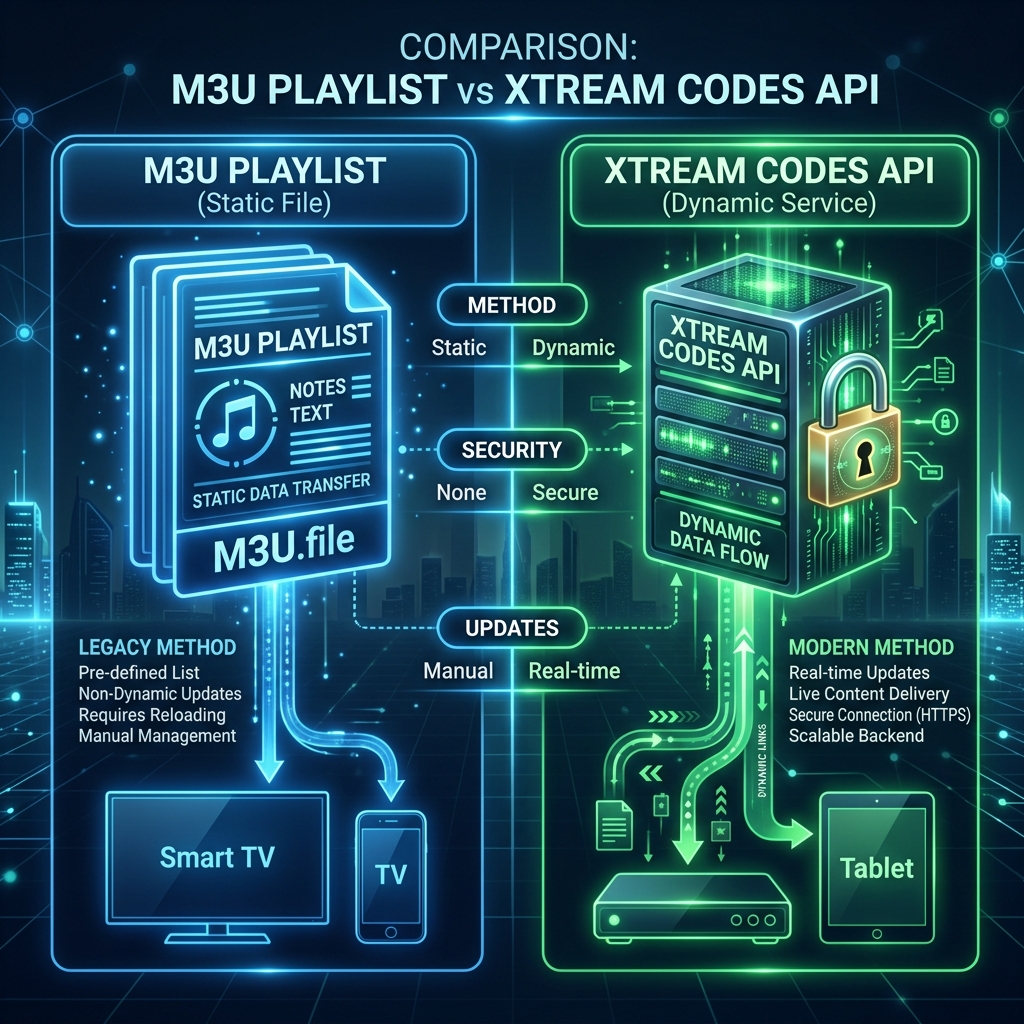
When you purchase a modern IPTV subscription, you are typically provided with two ways to log in: an M3U link or Xtream Codes credentials. The main difference is that an M3U playlist is a static text file containing thousands of raw streaming links, while the Xtream Codes API is a dynamic, secure login portal that connects directly to the provider's server. For users prioritizing speed, automatic EPG updates, and a sleek interface, Xtream Codes is vastly superior.
What is an M3U Playlist?
The term "M3U" stands for MP3 URL. Originally developed in the late 1990s for the Winamp media player, an M3U file is essentially a plain-text document. In the context of live television, this text file contains the exact web addresses of every single channel, movie, and series offered by your provider.
When you enter an M3U link into an IPTV app, the app downloads this massive text file. Because modern providers offer upwards of 30,000 channels, these files can be incredibly large. This results in longer initial loading times as the app struggles to parse the raw data.

What is the Xtream Codes API?
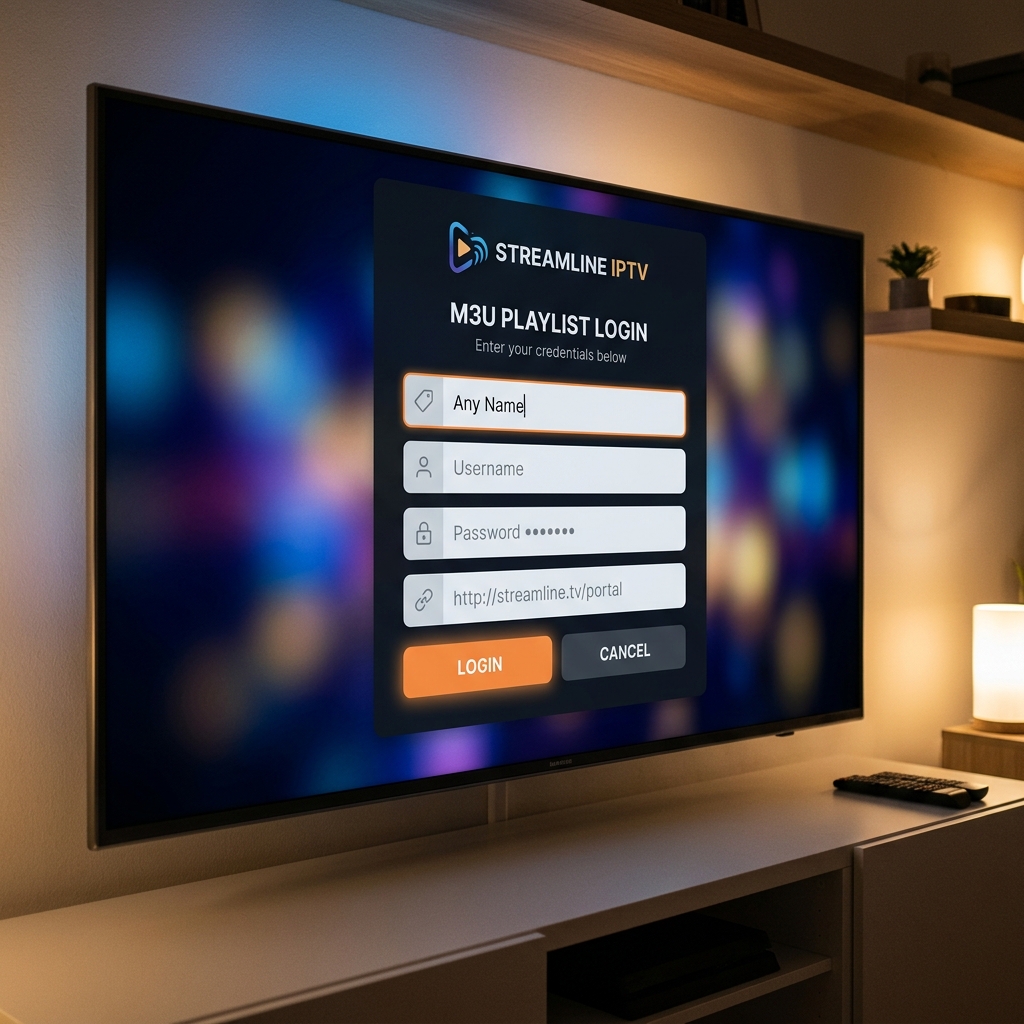
The Xtream Codes API was developed specifically for the modern IPTV industry. Instead of downloading a massive text file, the API acts as a secure digital bridge between your streaming device and the provider's backend servers. You log in using three simple pieces of information: a Username, a Password, and a Portal URL.
Because the connection is dynamic, your application does not need to download the entire channel list at once. It only queries the server for the specific category you are currently browsing. This results in lightning-fast menu navigation and instantaneous TV guide (EPG) updates. Premium services like EagleCast TV highly recommend using the Xtream Codes method.
Comparing M3U and Xtream Codes
While both methods will successfully connect you to your live TV broadcast, the user experience differs significantly. Here is a breakdown of how they compare in daily usage.
| Feature | M3U Playlist | Xtream Codes API |
|---|---|---|
| Data Delivery | Static text file download | Dynamic server connection |
| Loading Speed | Slow (Must parse entire file) | Very Fast (Loads on demand) |
| EPG Integration | Requires a separate XMLTV link | Built-in and automatic |
| Security | Low (Credentials exposed in URL) | High (Hidden behind login portal) |
| VOD Layout | Often cluttered and unorganized | Netflix-style categorization |
Security and Privacy Considerations
When evaluating the security of your digital streaming setup, the login method matters. An M3U URL inherently contains your personal username and password visibly within the link itself (e.g., http://server.com/get.php?username=YOURNAME&password=YOURPASS). If someone intercepts or you accidentally share this link, your account is immediately compromised.
Conversely, the Xtream Codes API separates your credentials from the server address. Furthermore, modern IPTV apps utilize encrypted API calls, ensuring your data remains secure from third-party interception.
Frequently Asked Questions
- Can I convert an M3U link to Xtream Codes?
Yes, you can often extract Xtream Codes credentials from an M3U link. The domain name in the link is the Portal URL, while the "username=" and "password=" sections provide your login details. - Why does my M3U playlist take so long to load?
M3U playlists take a long time to load because your application must download and parse a massive text file containing tens of thousands of links before it can display the user interface. If you are struggling with speed, read our guide on how to fix IPTV buffering. - Which IPTV players support the Xtream Codes API?
Almost all premium modern IPTV players support the Xtream Codes API, including TiviMate, IPTV Smarters Pro, and XCIPTV.
Now that you understand the technology powering your streams, it is time to upgrade your home theater. Visit the EagleCast TV pricing page to secure your high-speed, API-enabled subscription and experience the future of live television.